A Virtual Private Network — VPN — has become one of the most
discussed privacy tools in mainstream conversation. Between YouTube ads,
podcasts, and social media sponsorships, hardly a day goes by without someone
recommending you install one. But amid all the marketing noise, a surprisingly
large number of people are unclear on what a VPN actually does, what it cannot
do, and whether they genuinely need one.
This guide cuts through the hype and gives you an honest,
technically accurate picture of VPNs — their real security benefits, their real
limitations, and the specific situations where using one makes a meaningful
difference.
How a VPN Works: The Core Concept
When you browse the internet normally, your traffic travels
directly from your device to your ISP (Internet Service Provider) and then to
websites you visit. Anyone who can observe this traffic — your ISP, someone on
your local network, or certain government agencies — can see which websites you
visit and when.
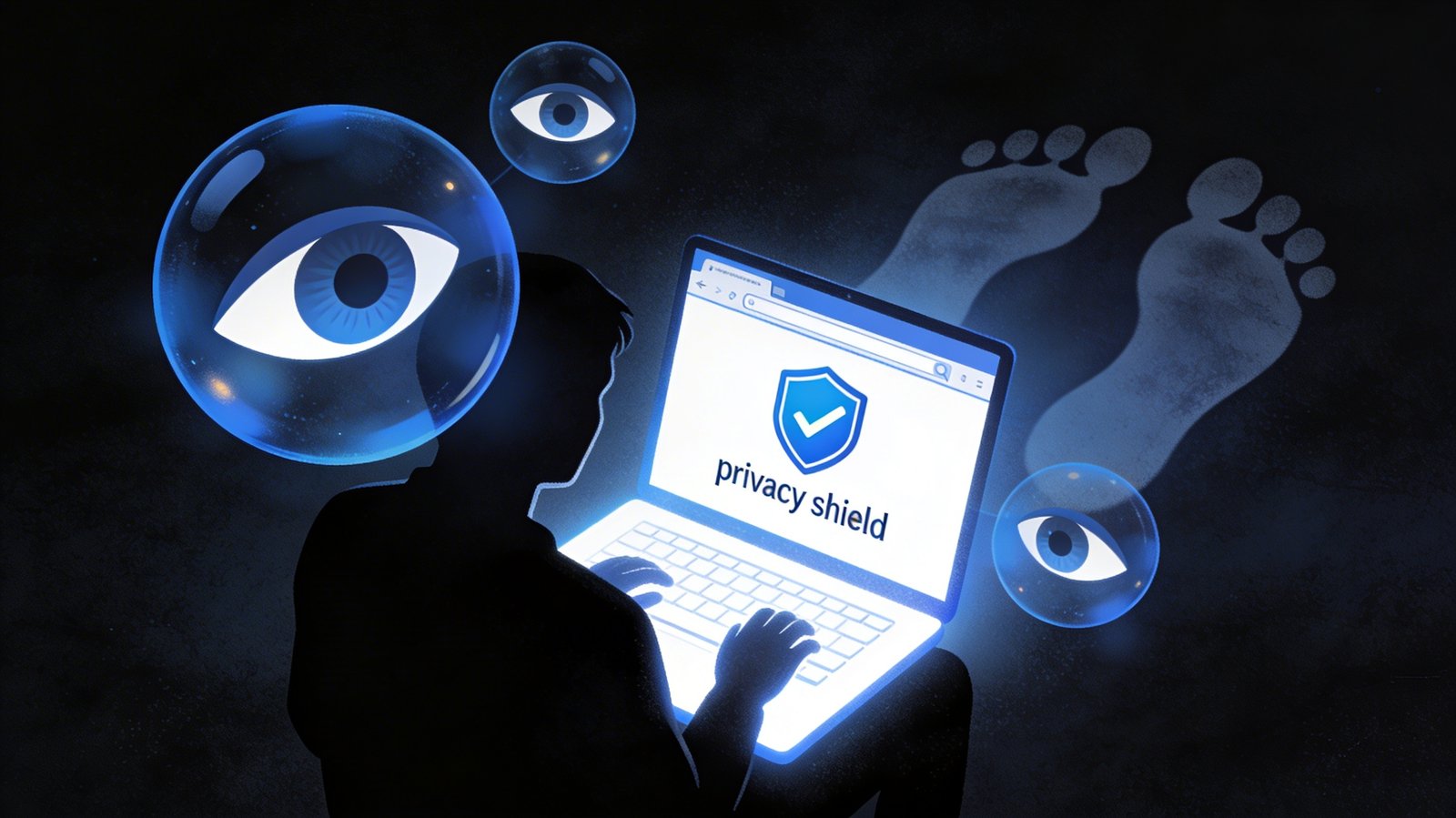
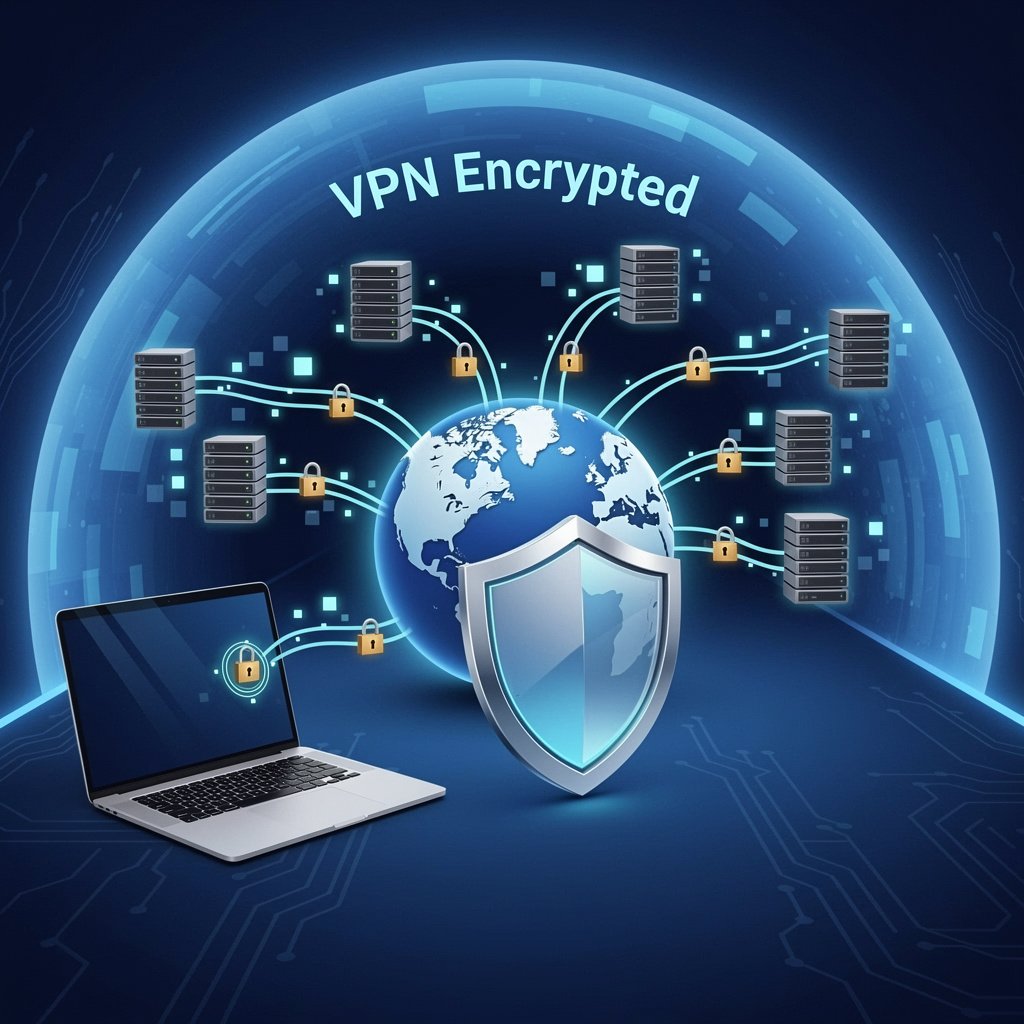
A VPN creates an encrypted "tunnel" between your
device and a VPN server. Your traffic is encrypted before leaving your device,
travels through that tunnel to the VPN server, and then exits to the broader
internet from there. This means your ISP sees only encrypted data going to the
VPN server, not your actual browsing. Websites you visit see the VPN server's
IP address, not yours.
What a VPN Actually Protects You From
Protection on Public Wi-Fi Networks
This is the clearest, most unambiguous use case for a VPN.
Public Wi-Fi at coffee shops, airports, hotels, and libraries is inherently
insecure. Attackers on the same network can potentially intercept unencrypted
traffic. A VPN encrypts everything, making intercepted data useless. If you
regularly use public Wi-Fi for anything sensitive — work email, banking,
shopping — a VPN provides meaningful protection.
Hiding Your Activity from Your ISP
Your ISP can see and log every website you visit. In some
countries and jurisdictions, this data is sold to advertisers or shared with
government agencies. A VPN prevents your ISP from seeing your browsing content,
though they can still see that you are using a VPN.
Bypassing Geographic Restrictions
VPNs allow you to appear to be in a different country by
routing through a server in that location. This is how people access content
not available in their region, such as Netflix libraries of other countries or
blocked websites. While technically a privacy use case, this is more about
access than security.
Basic Protection Against IP-Based Targeting
Your IP address reveals your approximate location and can be
used to track your activity across websites. A VPN masks your real IP, providing
a degree of anonymity from websites and online trackers.
What a VPN Does NOT Protect You From
This section is crucial and is usually missing from VPN
marketing:
•
Malware and viruses: A VPN does not scan your downloads
or block malicious websites. You still need antivirus software.
•
Phishing attacks: A VPN does not prevent you from
landing on a fake website or entering your credentials on a phishing page.
•
Cookies and browser fingerprinting: Websites use
cookies and browser fingerprinting to track users across sessions. A VPN alone
does not stop this.
•
Data you willingly share: If you log into Facebook or
Google while using a VPN, those companies still know everything about you.
•
Complete anonymity: VPN providers keep logs (to varying
degrees), can be subpoenaed by governments, and VPN traffic can sometimes be
identified.
•
Hackers who have already compromised your device: A VPN
does not help if your computer or phone is already infected with malware.
Free VPNs: The Serious Problem You Need to Know
The cybersecurity community has a saying: if the product is
free, you are the product. Running VPN infrastructure is expensive. Free VPN
providers have to generate revenue somehow, and many do it by logging and
selling your browsing data — exactly the privacy violation you were trying to
avoid. Some free VPNs have been caught injecting advertising tracking into
users' traffic. Others have deployed user bandwidth for botnets. Avoid free
VPNs for anything security-sensitive.
Choosing a Reputable Paid VPN
If you decide to use a VPN, paid services from reputable
providers are worth the cost. When evaluating a VPN, look for these features:
•
No-logs policy: The provider should not store records
of your browsing activity. Look for providers that have had their no-logs
claims independently audited (NordVPN, ExpressVPN, Mullvad, and ProtonVPN have
all undergone audits).
•
Kill switch: Automatically cuts your internet
connection if the VPN drops, preventing unencrypted traffic from leaking.
•
DNS leak protection: Ensures your DNS queries are not
accidentally routed through your ISP.
•
Jurisdiction: Providers based in countries without
mandatory data retention laws (Switzerland, Panama, Iceland) offer stronger
privacy protections.
•
Open-source clients: Providers who publish their client
code for public security review are generally more trustworthy.
Do You Actually Need a VPN? Honest Assessment
You probably benefit from a VPN if: you frequently use
public Wi-Fi, your ISP's data practices concern you, your country has restrictive
internet surveillance laws, or you regularly access region-restricted content.
A VPN is less critical if: you primarily browse at home on your own secured network, your main concern is phishing or malware (a VPN does not address these), or cost is a significant factor (a paid VPN runs $3–10 per month). For most home users, money spent on a good password manager and two-factor authentication will provide more practical security benefit than a VPN.
Final Thoughts
A VPN is a useful but limited security tool. It excels at
protecting your traffic on untrusted networks and shielding your activity from
your ISP. It does not replace antivirus software, good password practices, or
security awareness. Think of a VPN as one layer in a broader security approach —
valuable in certain contexts, but not the silver-bullet solution that marketing
often suggests.