Despite decades of cybersecurity awareness campaigns,
"123456" and "password" remain among the most commonly used
passwords on the internet. This is not because people are careless — it is
because managing dozens of unique, complex passwords is genuinely hard without
the right tools. And with the modern capabilities of password cracking
hardware, what constitutes a "strong" password in 2026 has shifted
significantly from what it was even five years ago.
This guide gives you the science behind password strength,
explains how attackers crack passwords, and walks you through the practical
system that makes secure password management effortless.
How Hackers Crack Passwords
Dictionary Attacks
Automated tools try millions of common words, phrases, and
their simple variations (replacing "a" with "@",
"i" with "1", etc.) in seconds. If your password is a
dictionary word or a simple variation of one, it can be cracked almost
instantly. "P@$$w0rd" is not secure — attackers' dictionaries include
all common substitution patterns.
Brute Force Attacks
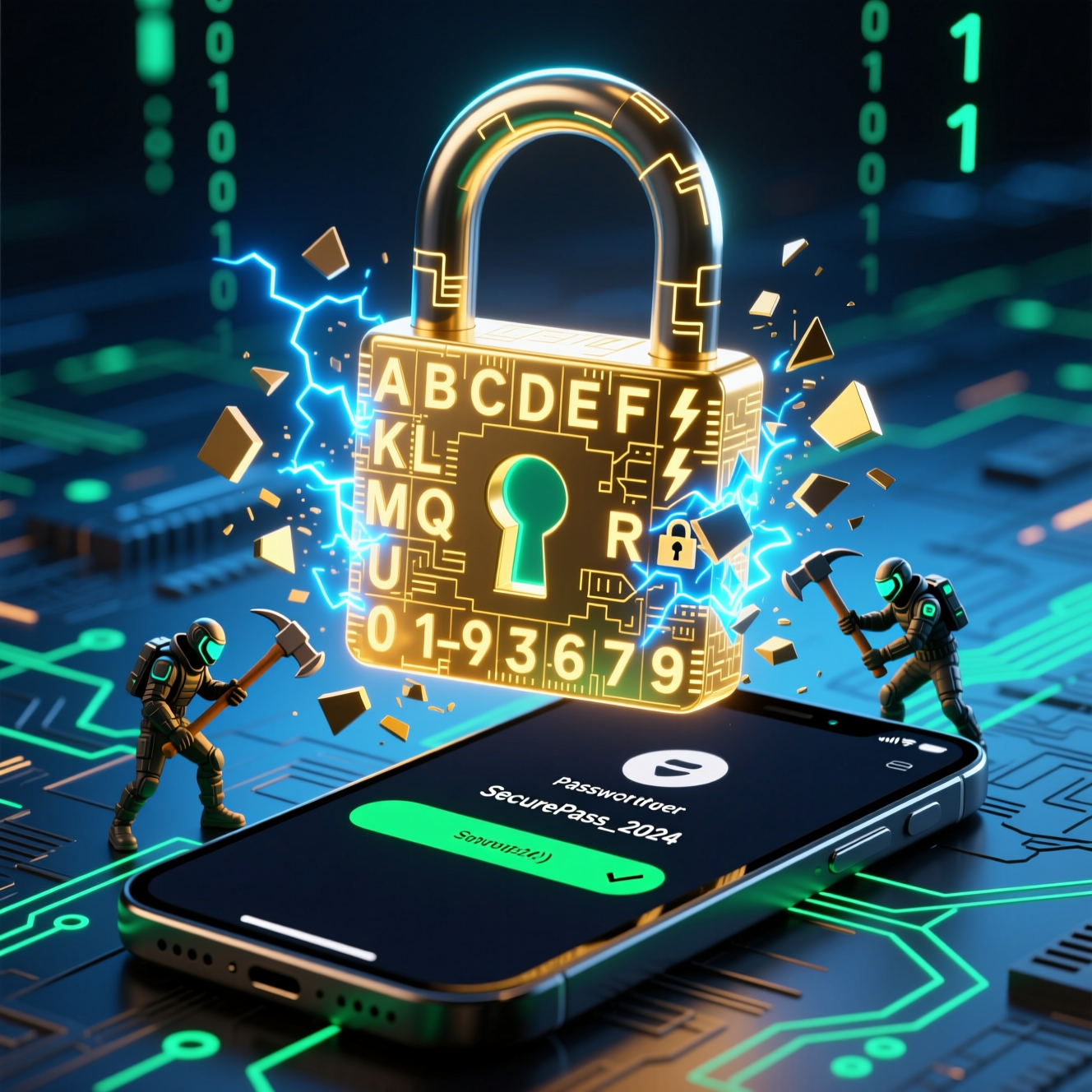
Modern GPU-based cracking rigs can try billions of
combinations per second. An 8-character password containing only lowercase
letters can be cracked in under an hour. Even an 8-character password with
mixed case, numbers, and symbols can fall in hours to days. Length is the
primary defense against brute force: each additional character multiplies the
time needed to crack the password exponentially.
Credential Stuffing
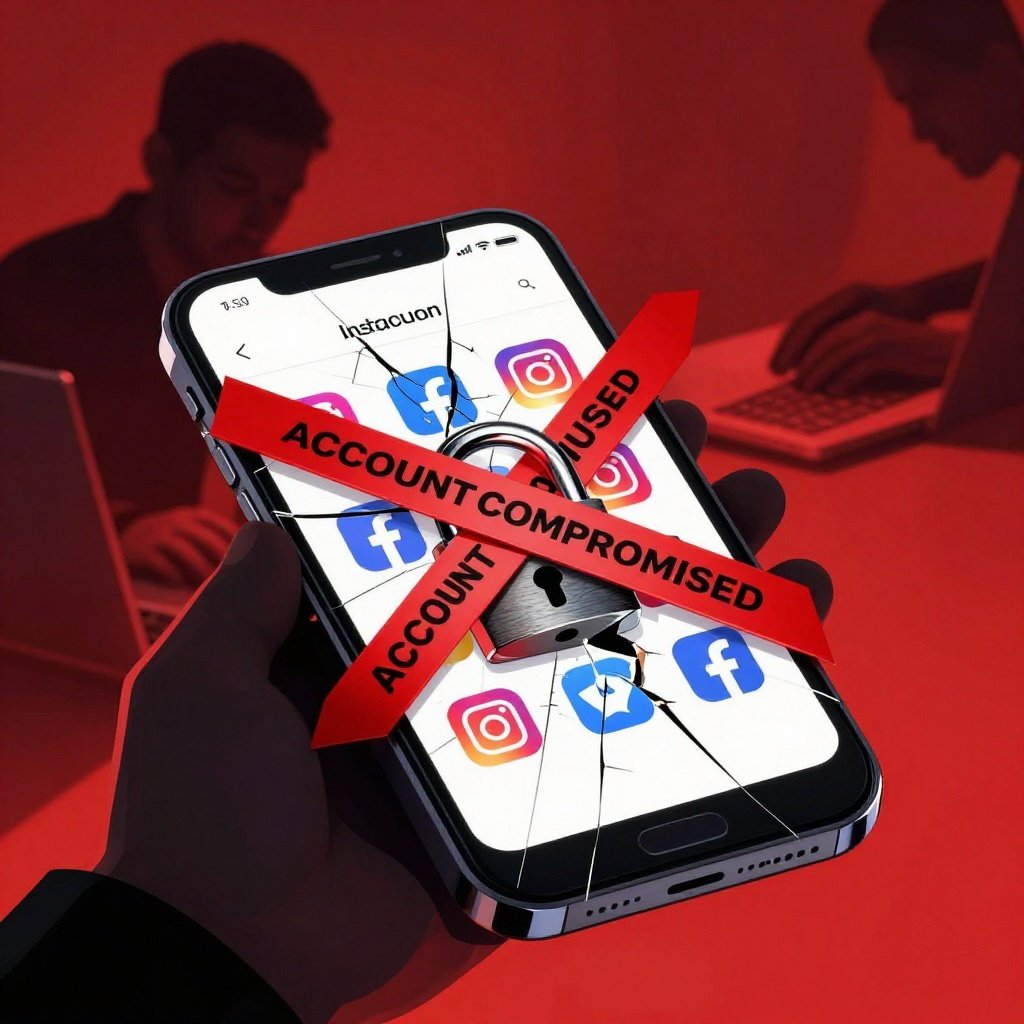
Attackers take passwords from known data breaches and
automatically test them against other services. If you reuse a password from a
breached account on your bank, email, or Amazon account, attackers will find
out. This is why password reuse is the single most dangerous password habit.
Rainbow Table Attacks
Pre-computed tables of password hashes allow rapid lookup of
the plaintext behind common hashed passwords. This is why websites store
passwords with "salted" hashes — but not all do. Data from poorly
secured breaches is vulnerable to rainbow table attacks.
What Makes a Password Truly Strong?
Contrary to outdated advice, a mix of uppercase, lowercase,
numbers, and symbols alone does not make a short password secure. Modern
password guidance prioritizes length above all else:
•
Length is the #1 factor: Each additional character
dramatically increases cracking time.
•
A 12-character random password is strong. A
16-character random password is extremely strong. A 20+ character password is
effectively uncrackable with current technology.
•
Randomness matters: Predictable patterns like
"Summer2026!" are far weaker than truly random strings.
•
Avoid personal information: Names, birthdays,
addresses, and pet names are all in attackers' dictionaries.
•
Passphrases: A sequence of 4–5 random words (e.g.,
"correct horse battery staple") is both memorable and highly secure
due to its length.
The Password Manager Solution
The reason most people reuse passwords is simple: memorizing
dozens of unique complex passwords is humanly impossible. Password managers
solve this completely. They generate, store, and auto-fill strong unique
passwords for every account you have. You only need to remember one strong
master password — the rest is handled automatically.
Best Password Managers in 2026
Bitwarden is the top recommendation for most users. It is
open-source (independently audited), completely free for personal use, works on
all devices and browsers, and has received excellent security reviews. The code
being open-source means security researchers worldwide can verify that it does
what it claims.
1Password is an excellent premium option with a polished
interface, strong security, and good family sharing features. Dashlane offers
good usability and includes dark web monitoring. KeePassXC is the choice for
those who want to store passwords locally without any cloud involvement.
Setting Up a Password Manager: Step by Step
1. Download
Bitwarden from bitwarden.com or your device's app store.
2. Create
an account with a strong, memorable master password. This is the one password
you must remember — make it at least 16 characters (a passphrase works well
here).
3. Install
the browser extension for Chrome, Firefox, Edge, or Safari.
4. For
each account you have, go to that website, log in normally (Bitwarden will
offer to save the credentials), then change the password to a generated strong
one (Bitwarden can generate it instantly).
5. Priority
accounts to add first: email, banking, social media, shopping, and any other
account holding sensitive data.
6. Enable
biometric unlock (fingerprint or face ID) on mobile for convenience.
Protecting Your Password Manager
Your password manager is a high-value target — it contains
all your passwords. Protect it accordingly:
•
Your master password must be strong and unique. Write
it down and store it in a physically secure location as a backup.
•
Enable two-factor authentication on your password
manager account itself.
•
Never use your password manager on public or untrusted
computers.
•
Keep the password manager app updated.
•
Be cautious of phishing sites that might try to steal
your master password through a fake login page.
Additional Password Best Practices
•
Enable two-factor authentication on all accounts in
addition to strong passwords — 2FA is your safety net if a password is ever
compromised.
•
Change passwords after any breach notification,
suspicious account activity, or if you shared a password with someone who no
longer needs it.
•
Audit your passwords annually — remove accounts you no
longer use, update any that are old or weak.
•
Never share passwords in plaintext via email, SMS, or
messaging apps — use a password manager's sharing feature instead.
Final Thoughts
Password security is the foundation of your entire digital
security posture. Without unique, strong passwords for every account, every
other security measure you take is built on sand. The good news is that a
password manager makes strong, unique passwords for dozens of accounts
completely manageable — easier, in fact, than trying to remember and type your
old weak passwords. Switching to a password manager is one of the most
impactful security improvements you can make today.