Handing a child a smartphone is
simultaneously one of the most practical and most anxiety-inducing decisions a
parent makes today. The internet offers incredible educational resources — but
also inappropriate content, social media pressure, cyberbullying, and predatory
behavior.
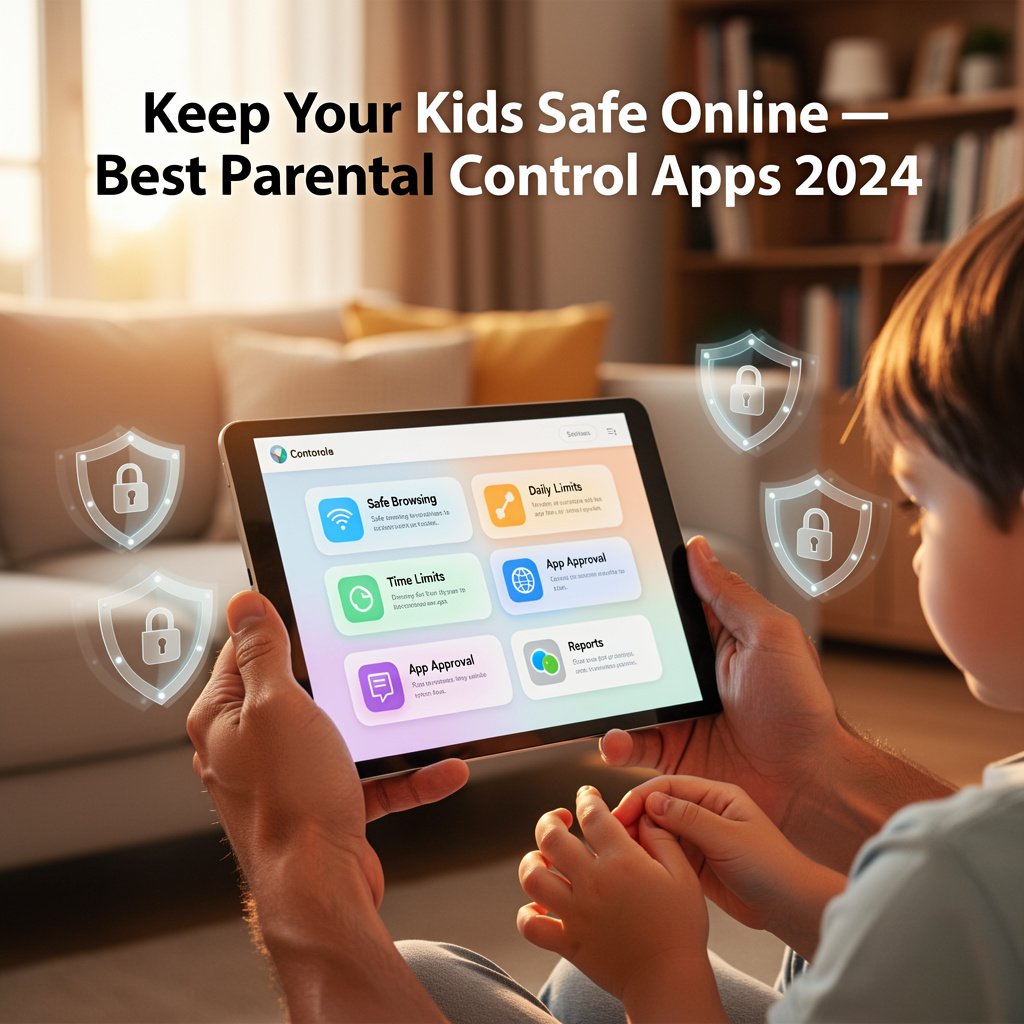
Parental control apps give
parents a practical way to balance their child's digital independence with
safety guardrails. The best apps let you set screen time limits, block
inappropriate content, track location, and monitor app usage without being
invasively surveillance-heavy.
Here are the best parental
control apps for Android in 2026, for children of all ages.
1. Google Family Link — Best Free Parental Control App
Google Family Link is the most
natural parental control solution for Android because it is built by Google and
integrates deeply with the Android operating system. It is completely free.
What Google Family Link Can Do
•
Set daily screen time limits and bedtime schedules
•
Approve or deny app downloads from the Play Store
•
See which apps your child is using and for how long
•
Lock the device remotely
•
Track your child's real-time location
•
Filter explicit content in Google Search and Chrome
How to Set Up Google Family Link
1. Download
Google Family Link on both your phone (parent) and your child's phone
2. Sign
in with your Google account on the parent device
3. Create
a Google Account for your child (or link an existing one under 13)
4. Follow
the in-app setup to link the devices
5. Customize
content filters, screen time, and location sharing
Family Link is best for children
under 13. Teens (13+) can choose to stop supervision, though the app notifies
you if they do.
2. Qustodio — Best Comprehensive Parental Control App
Qustodio is widely regarded as
the most feature-complete parental control solution available. It works across
Android, iOS, Windows, Mac, and Chromebook — ideal for multi-device families.
Standout Features
•
Detailed time usage reports showing exact app and
website activity
•
YouTube monitoring showing specific videos watched
•
Social media monitoring for Facebook and Instagram
•
Panic button that sends SOS alerts to parents
•
Location tracking with route history
•
Geofencing alerts when your child enters or leaves
defined areas
Qustodio requires a paid
subscription, but the depth of insight it provides justifies the cost for
parents who need comprehensive visibility.
3. Norton Family — Best for Web Filtering
Norton Family is particularly
strong at web filtering, with a comprehensive database of inappropriate
websites across many categories (adult content, violence, gambling, self-harm).
It also monitors search terms your child uses.
Key Features
•
Web supervision with category-based filtering
•
Search term monitoring
•
Screen time management
•
App supervision on Android
•
Location tracking
Norton Family requires a
subscription, often bundled with Norton 360 security suites.
4. Bark — Best for Monitoring (Without Invading Privacy)
Bark takes a different approach
from most parental control apps. Rather than showing parents every message and
web visit, it uses AI to scan for potential dangers (cyberbullying, depression
signals, sexual content, threats) and alerts parents only when something
concerning is found.
This approach is particularly
well-suited for preteens and teenagers who need some privacy but still need
protection. Bark monitors texts, email, and over 30 social media platforms.
5. Circle — Best for Home Network Control
Circle works by connecting to
your home router, allowing it to filter and control internet access for all
devices on your network — not just Android phones. This includes game consoles,
smart TVs, and tablets.
For Android phones outside the
home, Circle also offers a companion app that extends protection over mobile
data.
Free vs Paid: What You Actually Need
For most parents with children
under 10, Google Family Link (free) provides sufficient control. For parents
of:
•
Ages 8–12: Google Family Link + YouTube Kids
•
Ages 12–15: Qustodio or Bark for deeper monitoring
•
Ages 15+: Bark (non-invasive monitoring) or an honest
conversation about digital safety
Important: Talk to Your Child Too
Parental control apps are tools,
not solutions. They work best alongside open conversations about online safety,
why certain content is restricted, and what to do if something uncomfortable
happens online. Children who understand the rules (and the reasons behind them)
navigate the internet more safely than those who simply have apps installed
without context.
Conclusion
Google Family Link is the best
starting point for any Android parent — it is free, powerful, and fully
integrated with Android. For deeper monitoring, Qustodio offers the most
comprehensive feature set. For teens who need monitoring without
micromanagement, Bark's AI-driven approach strikes the best balance between
safety and appropriate privacy.
Category:
Mobile Apps
Tags:
parental control apps Android, Google Family Link, kids screen time
limit, Qustodio Android