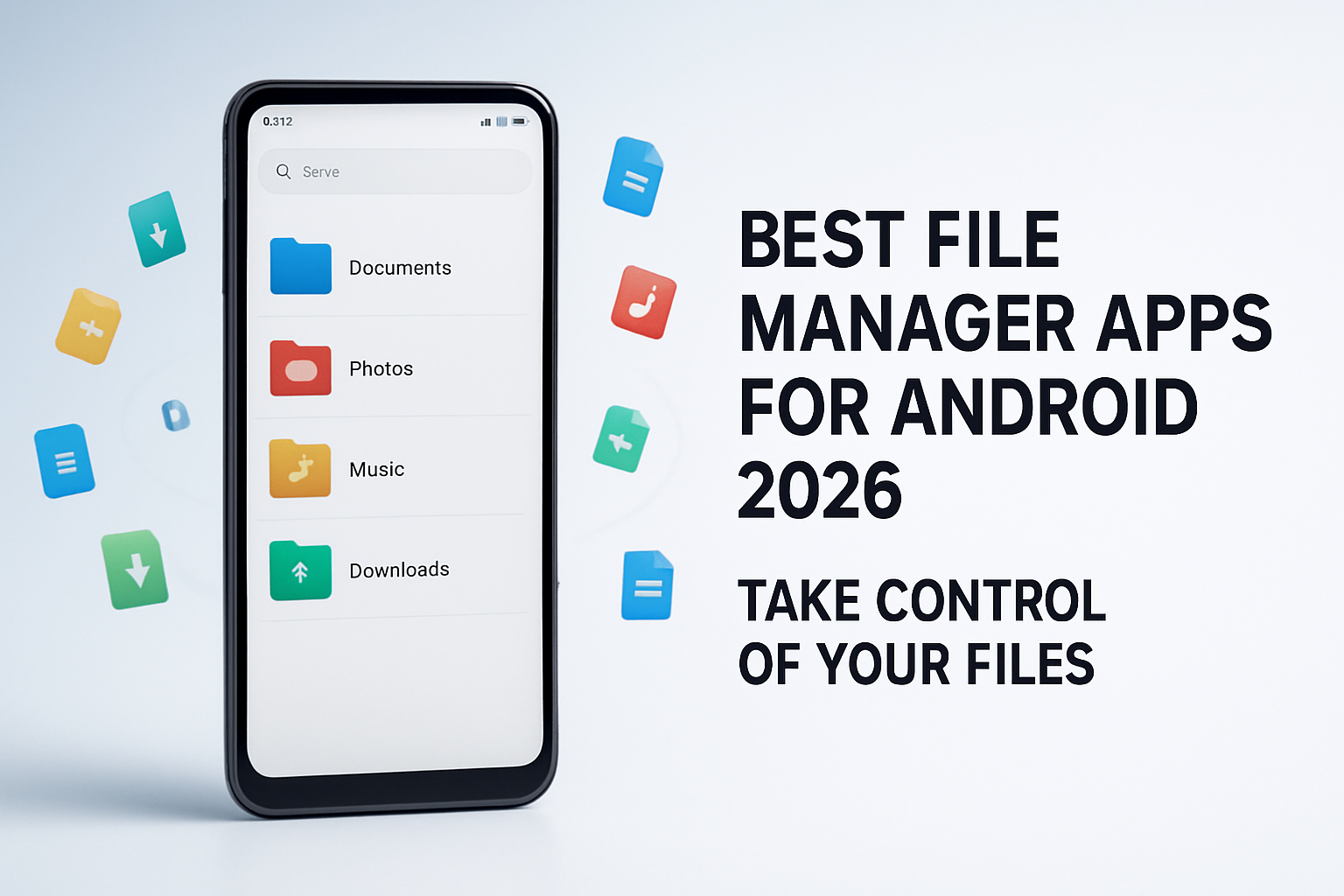
Android's default file
management capabilities vary wildly by manufacturer. Some phones come with
solid built-in file managers, while others offer only a basic browsing
experience. Even when a built-in option is available, power users quickly find
they need more — FTP access, dual-pane browsing, cloud integration, archive
management, or root access.
Whether you want a simple, clean
app for casual file browsing or a full-featured power tool, here are the best
file manager apps for Android in 2026.
What to Look for in an Android File Manager
•
Clear, intuitive navigation for quick file access
•
Cloud storage integration (Google Drive, Dropbox,
OneDrive)
•
Archive support (ZIP, RAR, 7Z)
•
Network access (FTP, SFTP, LAN)
•
Built-in text editor and media viewer
•
Root access support for advanced users
•
No intrusive ads in daily use
1. Files by Google — Best Free File Manager
Files by Google (formerly Files
Go) is the most widely used Android file manager and an excellent default
choice for most users. Developed by Google, it is lightweight, intuitive, and
packed with genuinely useful smart features.
Key Features
•
Smart storage cleanup: identifies junk files, large
files, duplicates, and downloaded APKs
•
Offline file sharing via Bluetooth or Wi-Fi Direct — no
internet needed
•
Integrated SD card management
•
Clean, Material Design interface
•
Photo and video viewer, audio player
•
Safe folder (PIN-protected private storage)
Files by Google is the best
option for casual users who want a clean, fast, and trustworthy file manager with
smart space-saving features. It is completely free with no ads.
2. Solid Explorer — Best Premium File Manager
Solid Explorer is widely
considered the finest file manager on Android for users who want
professional-grade functionality. The dual-pane interface (two file browser
panels side by side) makes copying and moving files between folders or drives
dramatically more efficient.
Key Features
•
Dual-pane navigation — the gold standard for power
users
•
Cloud storage: Google Drive, Dropbox, OneDrive, Box,
MEGA, pCloud, WebDAV
•
Network share access: FTP, SFTP, SMB (Windows network
shares)
•
ZIP, 7Z, TAR, RAR archive creation and extraction
•
Built-in text editor
•
Root access for advanced file operations
•
Customizable themes and icons
Solid Explorer costs $2.99 as a
one-time purchase (free 14-day trial). This is one of the best value-for-money
apps on the Play Store.
3. MiXplorer — Best for Power Users (Free)
MiXplorer is a hidden gem —
extraordinarily powerful, completely free, and without any ads. It supports a
staggering number of plugins and is the choice of tech enthusiasts and power
users who want maximum control.
Key Features
•
Tabbed browsing — open multiple directories in tabs
•
Plugins for virtually every cloud service, codec, and
additional protocol
•
Root and SSH support
•
Advanced sorting, filtering, and search
•
Bookmark manager
•
Full archive suite
MiXplorer is available from the
XDA Labs app or the official thread on XDA Developers (not on the Play Store,
as the developer prefers direct distribution). Installation requires allowing
APK installation from the browser.
4. FX File Explorer — Best for Privacy
FX File Explorer distinguishes
itself by containing absolutely zero permissions on installation (most file managers
request storage, internet, and more). It requests permissions only when
specific features need them. This permission-minimal approach makes it the most
privacy-respecting option available.
It also features a network share
browser, ZIP/archive support, and a text editor. The base app is free; advanced
cloud storage features require a one-time Plus purchase.
5. Astro File Manager — Best for Simple Network Access
Astro File Manager is a veteran
in the Android file management space. It excels at network browsing, with easy
access to Windows shares, FTP servers, and cloud storage in a relatively simple
interface accessible to non-technical users. It is free with ads.
Comparison Table: Which File Manager Is Right for You?
Quick selection guide:
•
Just want to find and delete files easily → Files by
Google (Free)
•
Power user who manages files daily → Solid Explorer
($2.99) or MiXplorer (Free)
•
Privacy-conscious user → FX File Explorer
•
Need easy home network / FTP access → Astro or Solid
Explorer
•
Root file management → MiXplorer or Solid Explorer
How to Transfer Files to PC Using a File Manager
Most good file managers include
an FTP server feature, allowing you to transfer files over Wi-Fi:
1. Open
your file manager (e.g., Solid Explorer)
2. Find
and start the FTP Server option
3. Note
the FTP address shown (e.g., ftp://192.168.1.100:2221)
4. On
your PC, open File Explorer (Windows) or Finder (Mac)
5. Type
the FTP address in the address bar
6. Browse
your phone's storage as if it were a folder on your PC
Conclusion
Files by Google is the best
starting point for anyone who does not already have a file manager — it is
free, smart, and perfectly capable for everyday needs. For users who regularly
manage files, move data between network locations, or need deep archive
support, Solid Explorer at $2.99 is one of the best app investments available
on Android. MiXplorer is the free alternative for power users willing to
install outside the Play Store.
Category:
Mobile Apps
Tags:
best file manager Android, Files by Google, Solid Explorer,
MiXplorer, organize Android files