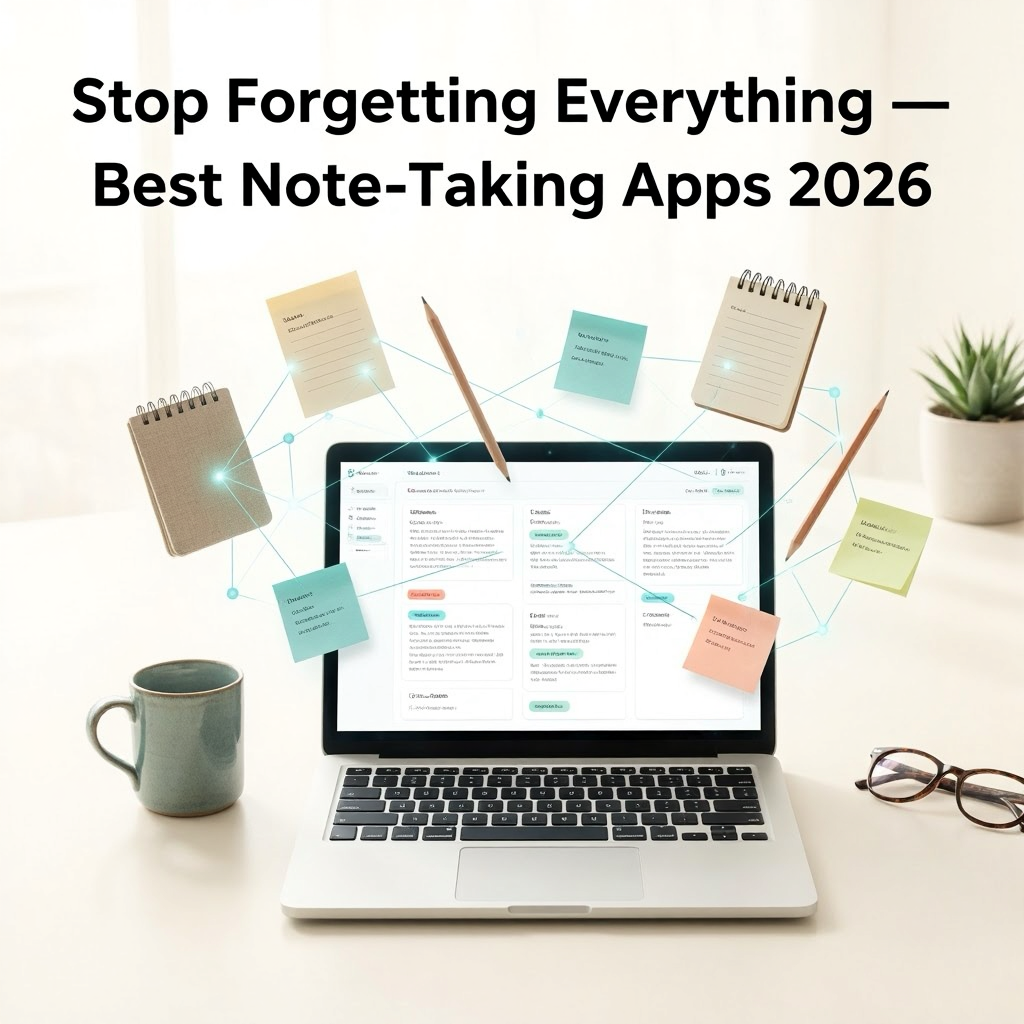
A great note-taking system is
one of the highest-leverage productivity tools available. Ideas captured and
connected in the right tool become research, projects, and knowledge. Ideas not
captured are forgotten — and people forget 50% of newly learned information
within 24 hours (the Ebbinghaus forgetting curve).
The challenge is that no single
note-taking app is perfect for everyone. Different tools serve different needs:
some people want a simple scratch pad, others need a linked knowledge graph,
and some need project management integrated with their notes. Here are the best
options in 2026.
1. Microsoft OneNote — Best Free Full-Featured Note App
Platform: Windows, Mac, iOS,
Android, Web
OneNote is fully free, deeply
integrated with Windows and Microsoft 365, and genuinely powerful once you
understand its organizational system. If you have a Microsoft account, you
already have OneNote.
Key Features
•
Freeform canvas: place text, images, drawings, and
files anywhere on an infinite page
•
Notebooks > Sections > Pages hierarchy for
organization
•
Handwriting support with stylus recognition on touch
devices
•
Audio recording with synchronized note-taking
•
OCR on images (search text inside photos)
•
Real-time collaboration and sharing
•
Integration with Outlook for meeting notes
OneNote is best for students,
business users in the Microsoft ecosystem, and anyone who wants infinite
flexibility in how notes are laid out. The freeform canvas takes adjustment but
rewards creative note layouts.
2. Notion — Best All-in-One Workspace
Platform: Windows, Mac, iOS,
Android, Web
Notion is not a traditional
note-taking app — it is an all-in-one workspace that combines notes, databases,
wikis, project management, and calendars into one flexible system. Teams and
individuals use it as a company wiki, personal knowledge base, habit tracker,
and project planner simultaneously.
Key Features
•
Blocks-based editor: mix text, databases, calendars,
boards, galleries
•
Databases with multiple views: table, board (Kanban),
gallery, calendar, timeline
•
Linked databases for connecting information across
pages
•
Templates for virtually every use case
•
AI assistant (Notion AI) for summarizing, editing, and
brainstorming
•
Real-time collaboration for teams
Notion Free is generous:
unlimited pages, blocks, and basic collaboration. The Plus plan ($10/month)
unlocks unlimited file uploads and guest access.
Notion's weakness: performance
with large databases, occasional sync delays, and a learning curve for new users
who feel overwhelmed by its flexibility.
3. Obsidian — Best for Building a Personal Knowledge Base
Platform: Windows, Mac, Linux,
iOS, Android
Obsidian is fundamentally
different from other note-taking apps. Instead of a cloud-based database, your
notes are plain Markdown files stored locally on your device. This gives you
full ownership of your data and makes notes readable in any text editor
forever.
Obsidian's power lies in its
linking system: you create connections between notes using [[wikilinks]], and
its Graph View visualizes your entire knowledge base as a network of connected
ideas.
Key Features
•
Local Markdown files — you own your data completely
•
Bidirectional linking: see every note that links to the
current page
•
Graph View: visual map of your entire knowledge network
•
800+ community plugins extending functionality
significantly
•
Daily notes, templates, and Dataview (database queries)
plugins
•
Canvas: infinite whiteboard for visual thinking
•
Sync via iCloud, Obsidian Sync ($10/month), or Syncthing
(free)
Obsidian is free for personal
use. It rewards users who invest time in their note-taking system and is the
preferred tool of researchers, writers, and professionals building a personal
knowledge management (PKM) system.
4. Evernote — The Veteran Note App With Caveats
Platform: Windows, Mac, iOS,
Android, Web
Evernote pioneered digital
note-taking but has faced significant criticism in recent years for reducing
free tier limits, price increases, and a period of instability following
executive changes. It remains powerful but is harder to recommend as a first
choice.
The Web Clipper browser
extension for clipping articles with formatting preserved remains one of the
best in the industry. The search functionality — which finds text inside images
and PDFs — is excellent.
Evernote is worth considering if
web clipping is your primary note use case, but new users should start with
Notion or OneNote.
5. Bear — Best Note App for Mac and iPhone Users
Platform: Mac, iPhone, iPad only
Bear is a beautiful, minimalist
Markdown-based note app exclusive to Apple devices. Its interface is clean and
distraction-free, with a theme system that makes it a pleasure to write in.
•
Hashtag-based organization (no folders, just tags)
•
Full Markdown support with preview
•
Excellent export options: PDF, HTML, Markdown, DOCX
•
Focus mode for distraction-free writing
•
Bear Pro ($2.99/month) unlocks sync and advanced themes
6. Joplin — Best Free Open-Source Evernote Alternative
Joplin is a free, open-source
note-taking app that stores notes in Markdown format and syncs via your choice
of cloud (Dropbox, OneDrive, Nextcloud, or Joplin's own server). It supports
notebooks, tags, and an excellent browser extension for web clipping.
Choosing Your Note-Taking Software
•
Microsoft 365 user wanting integration → OneNote
•
Want projects, databases, and notes in one place →
Notion
•
Building a long-term personal knowledge base → Obsidian
•
Mac user wanting a beautiful writing experience → Bear
•
Privacy-focused, want local files → Joplin or Obsidian
Conclusion
Microsoft OneNote is the safest
recommendation for most users — free, powerful, and familiar. Notion is the
right choice for anyone who needs to manage projects, documents, and notes
together. Obsidian rewards the investment for knowledge workers who want to
build a long-term thinking system. Choose the tool that fits your actual
workflow and commit to it — the best note-taking app is the one you actually
use consistently.
Category:
Software Reviews
Tags:
best note taking software 2026, Notion vs Obsidian, OneNote review,
Joplin Evernote alternative