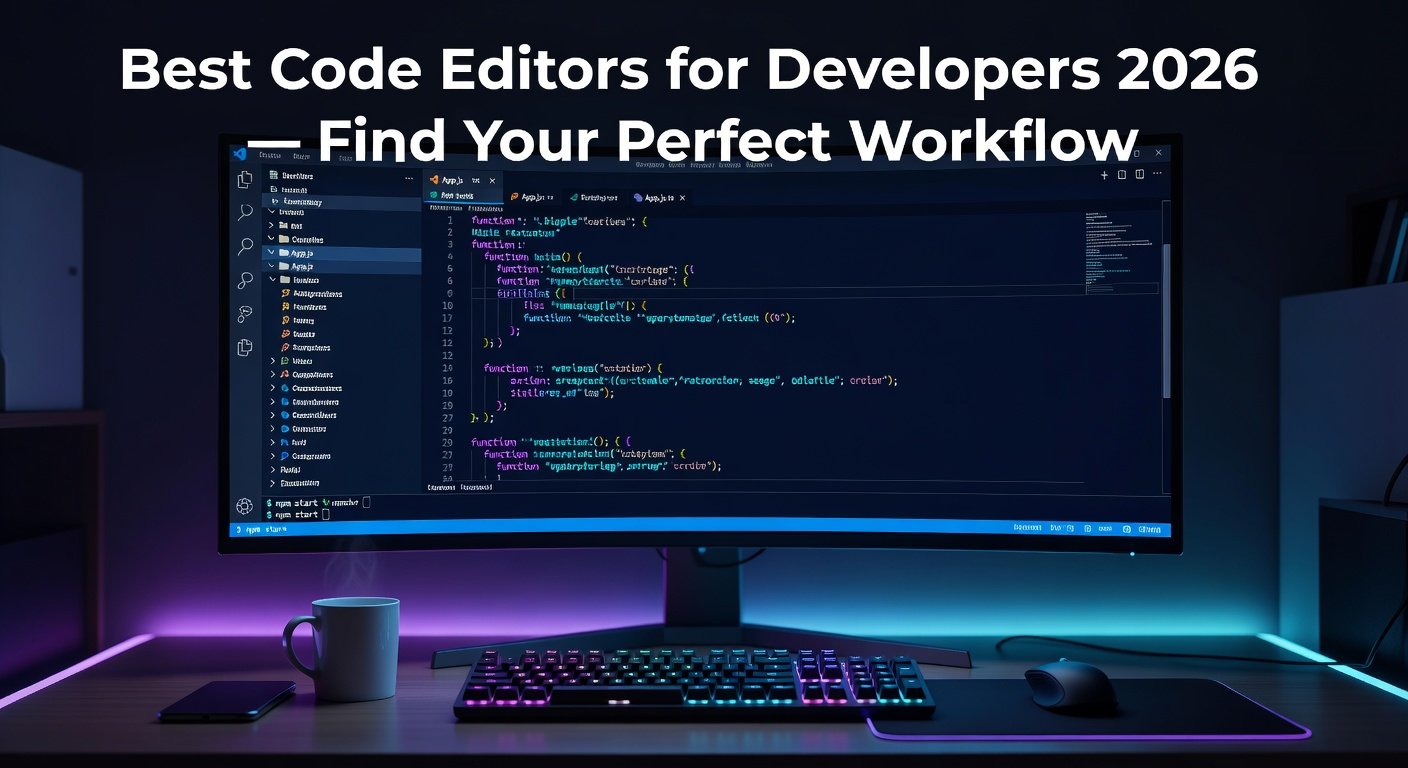
The text editor is the most
intimate tool a developer uses. You might spend eight or more hours per day in
it. The right editor shapes how fast you write code, how quickly you catch
bugs, and how enjoyable the entire development experience feels. A poor choice
means fighting your tools instead of solving problems.
This guide covers the best text editors
and code editors in 2026, from lightweight plaintext editors to full-featured
IDEs, with honest assessments of each.
1. Visual Studio Code — Best Code Editor Overall
Platform: Windows, Mac, Linux
(free, open-source)
Visual Studio Code (VS Code) has
become the dominant code editor in the world since its release in 2015. In the
Stack Overflow Developer Survey, over 70% of developers report using VS Code —
a remarkable market share for a free tool.
What Makes VS Code Exceptional
•
Extension marketplace with 30,000+ plugins for every
language and framework
•
IntelliSense: intelligent code completion based on
language semantics
•
Integrated terminal (run code without leaving the
editor)
•
Git integration: stage, commit, diff, and push without
leaving VS Code
•
Live Share: real-time collaborative coding sessions
•
Remote Development: SSH into remote servers and edit
files as if local
•
Debugger with breakpoints for most major languages
•
Theme marketplace: hundreds of color themes and icon
packs
VS Code occupies the space
between a lightweight text editor and a full IDE. It is heavier than Notepad++
or Sublime Text but far more lightweight than Visual Studio or IntelliJ IDEA.
The performance is generally excellent, though very large files (100MB+) can
strain it.
2. Sublime Text — Best Performance-Focused Editor
Platform: Windows, Mac, Linux
(free evaluation; $99 license)
Sublime Text is arguably the
most responsive text editor ever created. Its startup time is measured in
milliseconds, its search-and-replace across tens of thousands of files is
near-instantaneous, and scrolling through large files is butter-smooth.
Signature Features
•
Multiple Cursors: place cursors at multiple points and
type simultaneously
•
Goto Anything (Ctrl+P): instantly jump to any file,
symbol, or line number
•
Command Palette: access any command via fuzzy text
search
•
Split editing: view and edit files side by side
•
Package Control: extensive plugin ecosystem
•
Distraction-free mode
Sublime Text is free to evaluate
indefinitely, but occasional prompts suggest purchasing. The $99 license is a
perpetual license including three years of updates.
3. Notepad++ — Best Lightweight Windows Text Editor
Platform: Windows only (free,
open-source)
Notepad++ is the best
replacement for Windows Notepad — it opens instantly, handles large files that
crash competitors, and adds essential features for developers and power users.
Key Features
•
Syntax highlighting for 80+ languages
•
Find in Files (search across entire project folders)
•
Multi-document interface with tabs
•
Macro recording for repetitive text operations
•
Column editing mode
•
Plugin manager for adding functionality
•
Extremely fast: opens a 100MB log file without
hesitation
Notepad++ is the go-to tool for
opening, searching, and editing large files, log analysis, and quick text
manipulation. It is not suitable as a primary development editor but is
indispensable as a utility editor on Windows.
4. Neovim — Best for Terminal Power Users
Platform: Windows, Mac, Linux
(free, open-source)
Neovim is the modern fork of
Vim, the legendary terminal-based text editor. The learning curve is steep —
Vim has its own modal editing system where you switch between Insert mode
(typing text) and Normal mode (navigating and editing) — but the payoff is
extraordinary efficiency for developers who invest the time.
Modern Neovim with plugins
(lazy.nvim, LSP, Telescope, Treesitter) can match or exceed VS Code's
functionality while operating entirely in a terminal. This makes it the
preferred editor for server administration, remote development, and developers
who live in the terminal.
5. Zed — Best New Editor for Performance
Platform: Mac (open-source,
free) — Windows version in development
Zed is a new code editor built
in Rust, designed from scratch for maximum performance and collaborative
coding. Created by the original developers of Atom, it is significantly faster
than VS Code on equivalent hardware and includes native collaborative editing
as a first-class feature.
Zed is worth watching — it may
become the VS Code replacement for performance-sensitive workflows as its
extension ecosystem matures.
6. Helix — Best Modern Vim Alternative
Platform: Windows, Mac, Linux
(free, open-source)
Helix takes Vim's modal editing
philosophy and modernizes it with built-in LSP (Language Server Protocol)
support, tree-sitter syntax highlighting, and multiple selection editing —
without requiring any plugins. Everything works out of the box with zero
configuration.
Which Editor Should You Use?
•
General development, web, and learning → VS Code
•
Performance and large codebases → Sublime Text
•
Quick text editing and log analysis on Windows →
Notepad++
•
Server work and terminal-based development → Neovim or
Helix
•
Collaborative real-time coding → Zed (Mac) or VS Code
Live Share
Essential VS Code Extensions for 2026
•
Prettier — automatic code formatting
•
ESLint — JavaScript/TypeScript linting
•
GitLens — powerful Git integration and blame
annotations
•
Copilot or Codeium — AI code completion
•
Path Intellisense — autocomplete for file paths
•
Thunder Client — REST API testing inside VS Code
•
Remote SSH — edit files on remote servers
Conclusion
VS Code is the right starting
point for virtually every developer in 2026 — the combination of features,
ecosystem, and performance is unmatched for free software. Sublime Text earns
its $99 price tag for developers who need elite performance on large codebases.
Notepad++ belongs on every Windows developer's machine as a utility editor.
Your editor choice ultimately shapes your daily workflow more than almost any
other software decision — choose it deliberately.
Category:
Software Reviews
Tags:
best code editor 2026, VS Code review, Sublime Text vs VS Code,
Notepad++ guide, developer text editor